A lightweight browser extension that automatically authorizes your API requests before executing them on Swagger UI pages. Stop manually pasting tokens — let the extension handle it.

Manage, switch, and automate your Swagger UI authorization workflows with ease.
Create, manage, and switch between as many authorization profiles as you need. Each profile is tied to a specific security scheme on your API.
Easily inspect the current authorization token values with a single click โ perfect for debugging and verification.
Fully compatible with OpenAPI 3.x specifications. Works seamlessly with any Swagger UI page that uses the modern spec format.
Once a profile is active, every API request is automatically authorized before execution — no manual intervention needed.
For request-based profiles, tokens are cached with a configurable TTL. Expired tokens are automatically refreshed on the next request.
Clean, intuitive modal UI that integrates directly into Swagger UI's existing authorization panel. No configuration hunting required.
Choose the authorization method that fits your API — or mix and match across profiles.
Supports both request-based (auto-fetch via API) and static token profiles.
Seamlessly handles API key-based authentication via header or query parameter.
Simplifies basic authentication with login/password credential profiles.
Watch how Swagger UI Authorizer streamlines your API testing workflow.
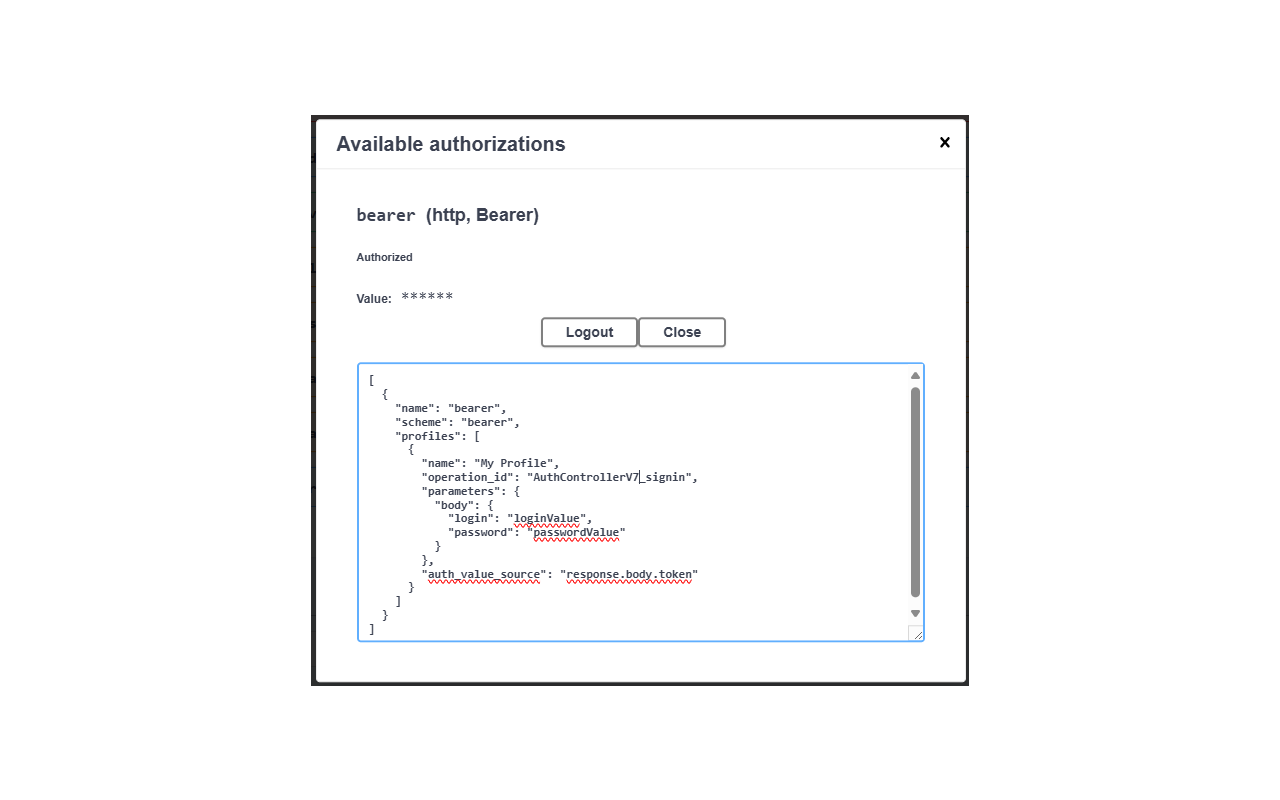
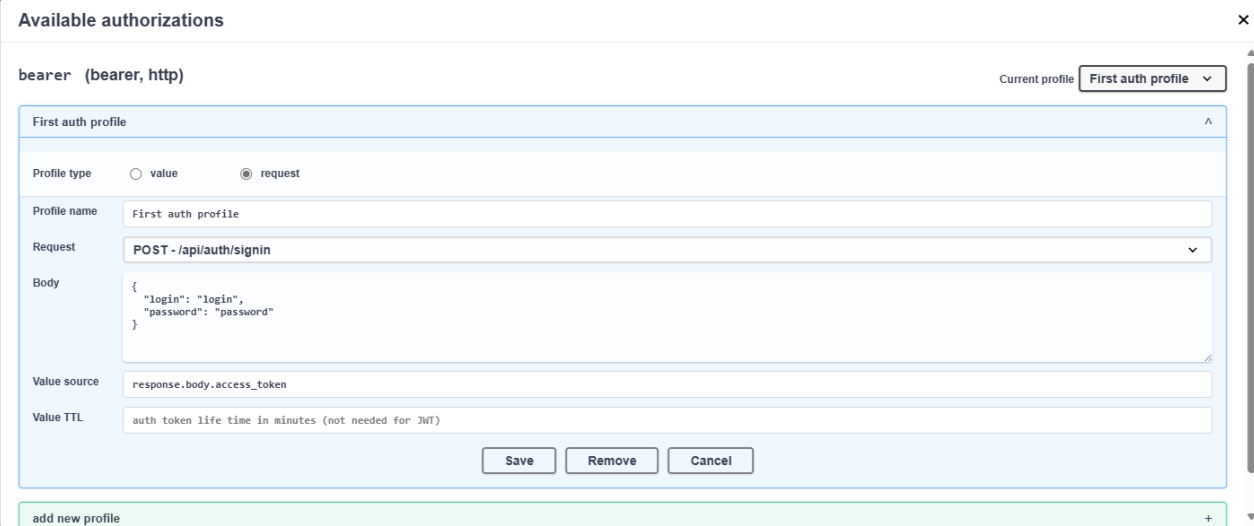
Create and manage authorization profiles directly inside Swagger UI's interface. Each security scheme gets its own block.
Choose between request-based (auto-fetch token), static value, or credential-based profiles for each security scheme.
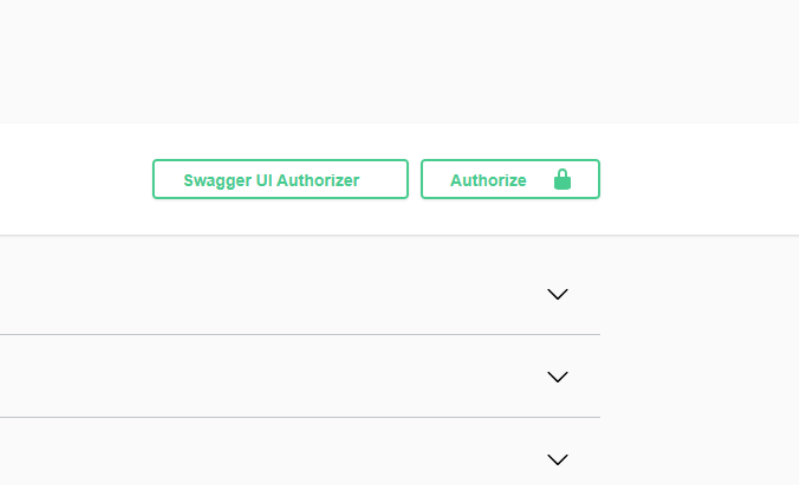
The "Swagger UI Authorizer" button integrates directly into the existing Swagger UI toolbar โ always right where you need it.
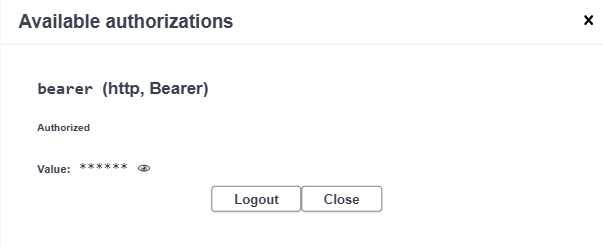
Click the ๐ icon next to any authorized scheme to instantly view the current token value for debugging purposes.
Whether you're building, testing, or documenting APIs, this extension saves you time.
Simplify API testing and debugging by automating authorization workflows.
Speed up API testing with pre-configured authorization profiles.
Easily switch between multiple APIs and authorization methods during integration.
Ensure your team can securely and efficiently test APIs without manual token management.
Anyone working with OpenAPI 3.x who wants to save time and reduce repetitive tasks.
Security and privacy are built into the core design of the extension.
All authorization tokens, credentials, and profiles are stored exclusively in your browser's local storage using the standard localStorage API. The extension sends your credentials only to the servers you configure — exactly where they need to go. No data is ever transmitted to third parties, analytics services, or external servers. Your API keys, bearer tokens, and passwords remain entirely under your control.
Install Swagger UI Authorizer for free and start automating your authorization today.
After installation, refresh your Swagger UI page to activate the extension.